
Countertop POS
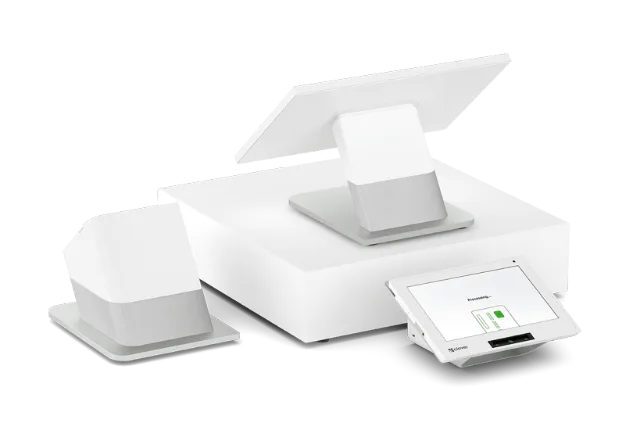
Clover Station Duo
A full countertop system with a large merchant screen and a customer-facing display for tipping, signatures and tap to pay.
- Two screens
- Customer display
Countertop, handheld and kiosk systems from the three leading POS platforms. We are not tied to one, so we match the system to your business, configure it before it ships and price the processing behind it.
Before you pick a POS
Slow checkouts, menus that will not do what you need and reports you cannot trust add up fast. A POS should fit how you serve, not the other way around.
We are not tied to one system. We match Clover, Genius or Square to your business, configure it before it ships and price the processing behind it.
Which POS fits?

One system from countertop to handheld, with an app market for everything else.
Countertop POS
A full countertop system with a large merchant screen and a customer-facing display for tipping, signatures and tap to pay.
Compact countertop POS
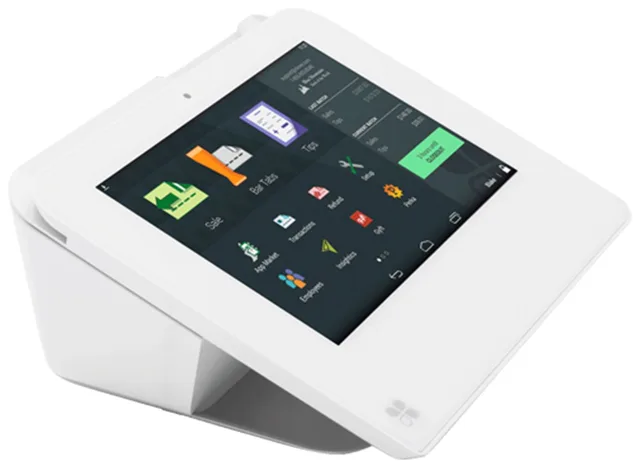
A smaller countertop system that takes tap, chip, swipe and phone payments and runs the same Clover apps.
Handheld POS
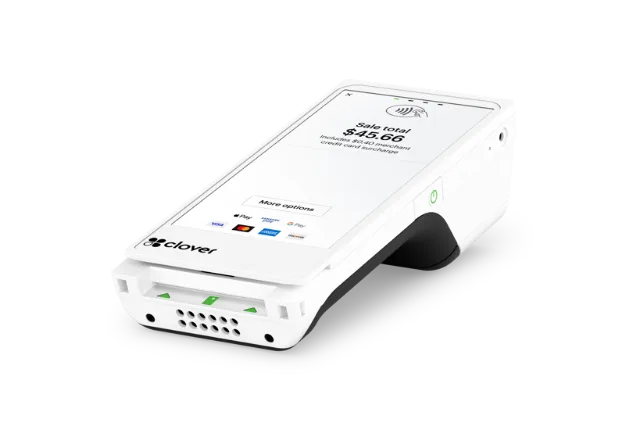
A handheld with a built-in printer for tableside, line-busting and curbside payments.
Self-order kiosk
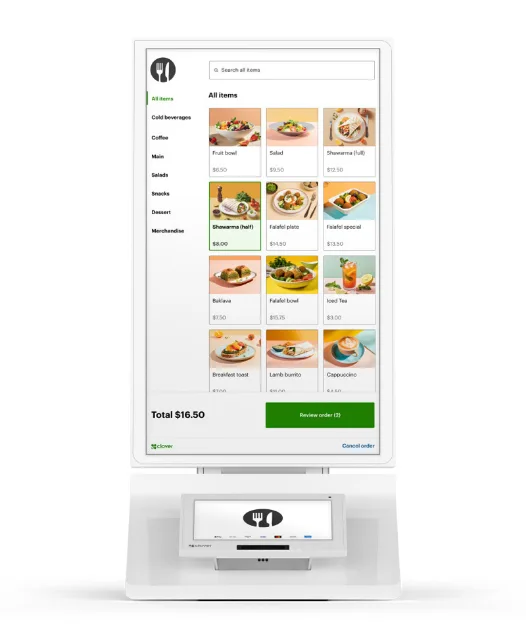
A self-service kiosk where customers order and pay on their own, on the same Clover menu, payments and reports.

Front and back of house in sync, from Global Payments.
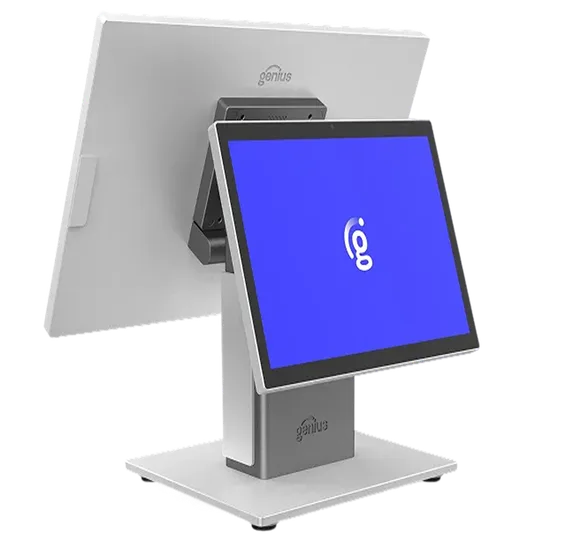
Modular countertop POS
A modular countertop with the PC built into the screen. Use it on the counter, mount it on a wall or pick a low-profile setup with an integrated card reader.
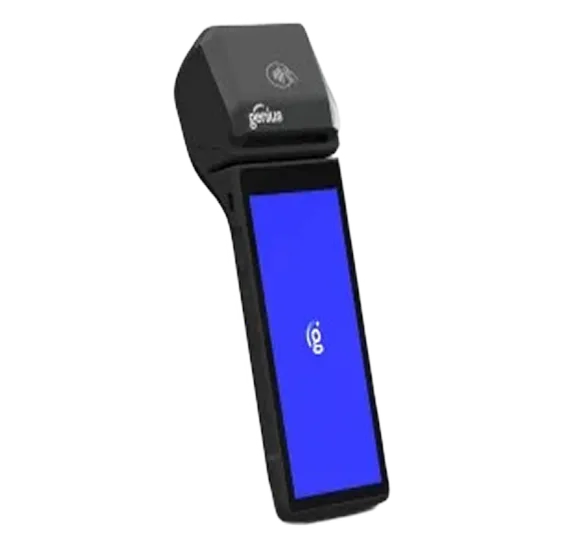
Handheld POS
A lightweight handheld with a built-in card reader and receipt printer, on Wi-Fi, cellular or Bluetooth.
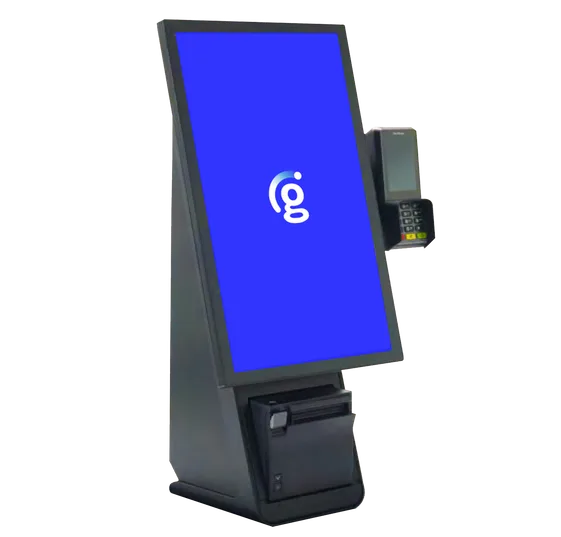
Self-order kiosk
Let customers order and pay on their own, synced with the kitchen and your online orders.

Simple setup and one app for in-person and online sales.
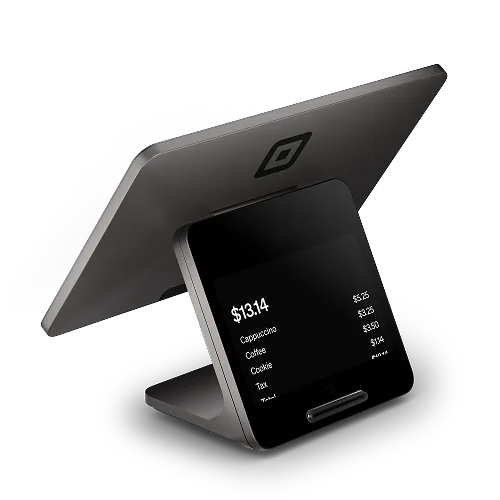
Countertop POS
Two screens for fast checkout. The second generation is faster and built to handle spills and dust.
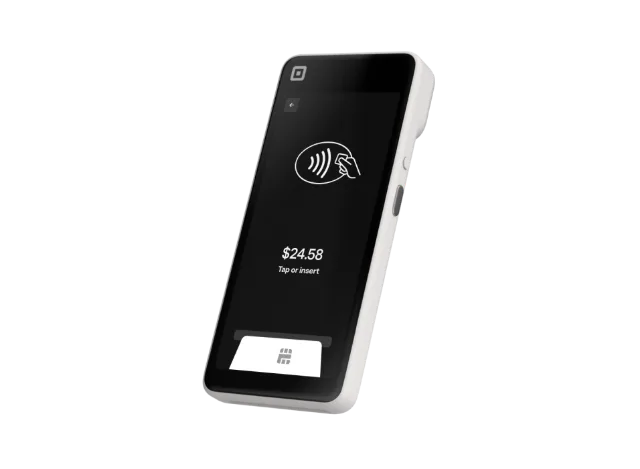
Handheld POS
A pocket-sized POS for tableside orders and payments, with a built-in barcode scanner.
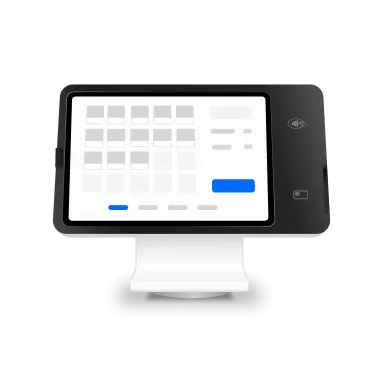
iPad POS or kiosk
Turns an iPad into a countertop POS or a self-serve kiosk, with payments built in.
Why buy it from PayVault
How it works
Tell us how you serve
Menu or catalog, counter or tableside, locations, current system.
We recommend and configure
Set up for your menu or catalog before it ships, with pricing shown line by line.
Open with it ready to go
And a team to call when you need a change.
Questions
It depends on how you sell. See our side-by-side comparison, or tell us about your business and we will recommend one.
Tell us what you use today and we will plan the move with you, so your new system is set up for your menu or catalog before it ships.
Yes. We set up dual pricing, a cash discount or a compliant surcharge on the system you choose.
Us. Our team picks up fast, with no call trees, no AI and no 10-minute holds.
Not sure which one?
Counter service or full service, one location or many: our team sets it up around your menu or catalog and confirms pricing before anything ships.
Get a POS configured for me